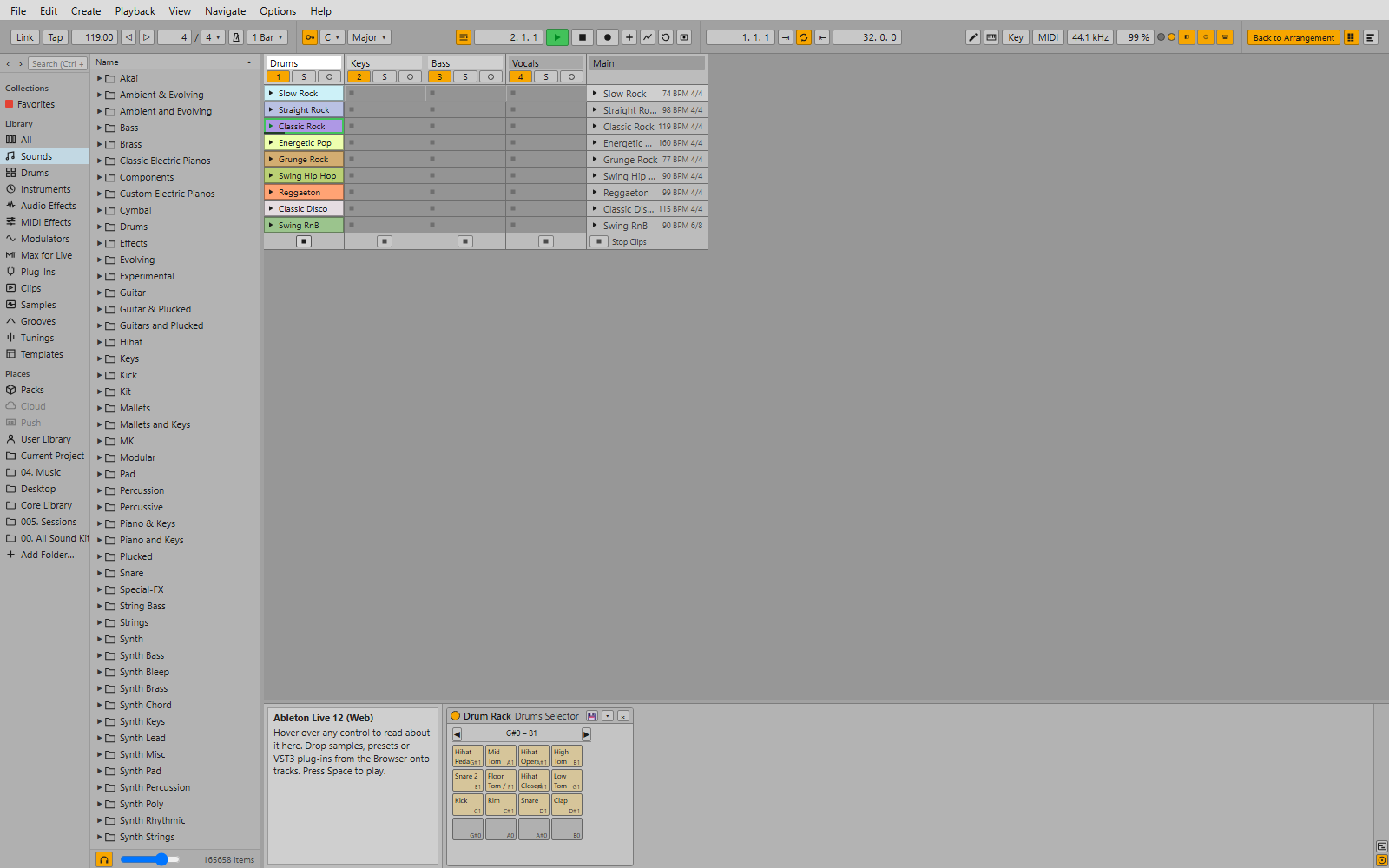
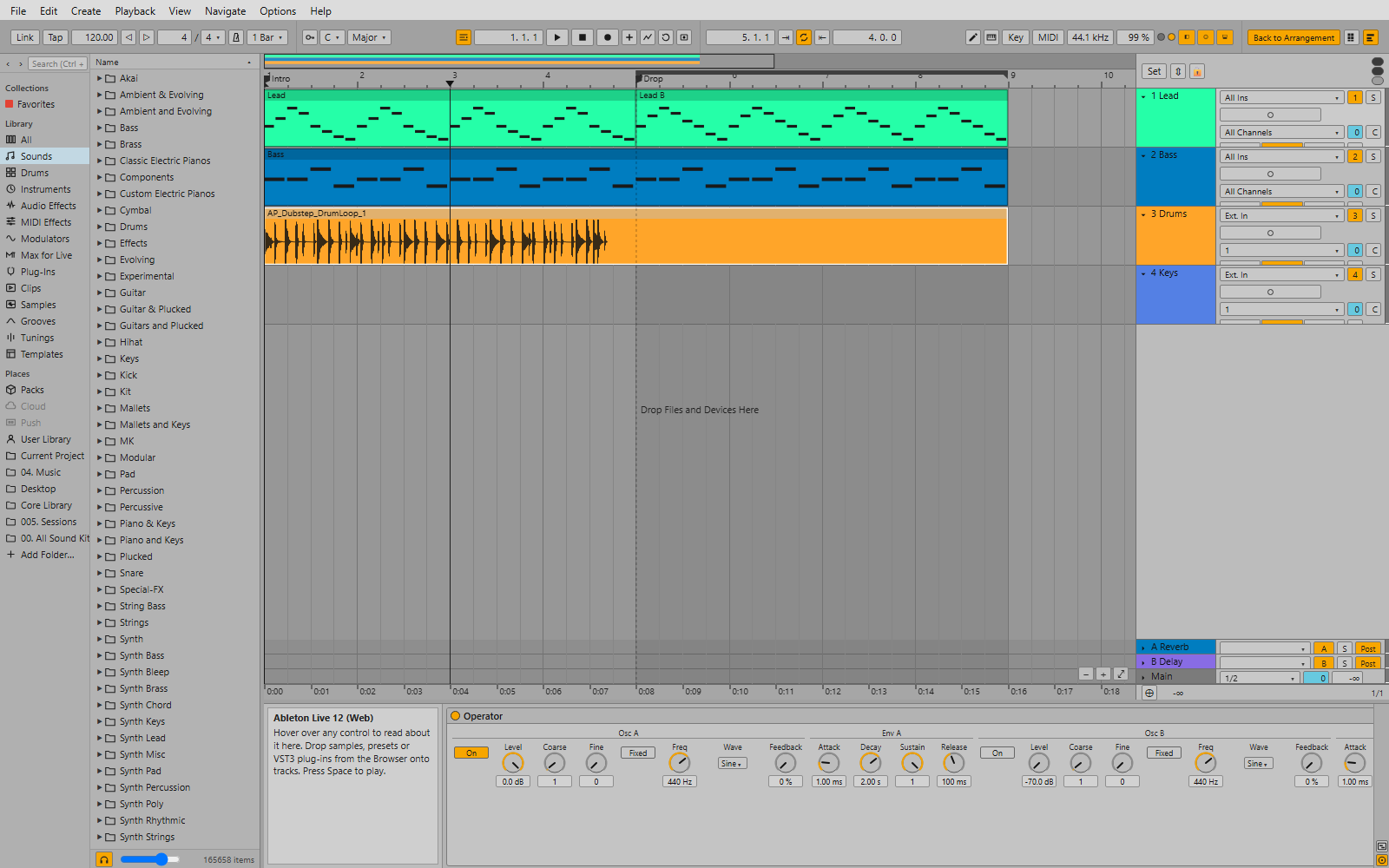
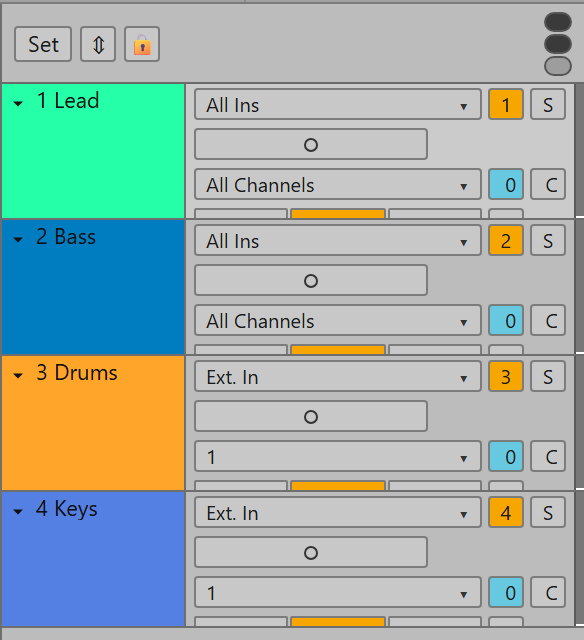
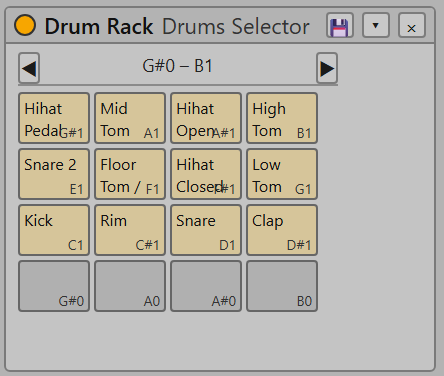
Ableton Live 12 (Web) re-creates Live 12's two views on the Web Audio API. It reads your real Ableton library and Live Sets, ships 40+ devices with Live's own parameter sets, hosts VST3 plug-ins, and lets Claude drive the whole thing through an MCP server with 72 tools.
Not affiliated with Ableton AG. “Ableton” and “Live” are trademarks of Ableton AG. Ableton's Core Library, Packs and User Library content are Ableton's property and are not part of this project.
The same two views, the same keys (Tab switches views, Shift+Tab switches the Clip / Device view), and undo for everything.
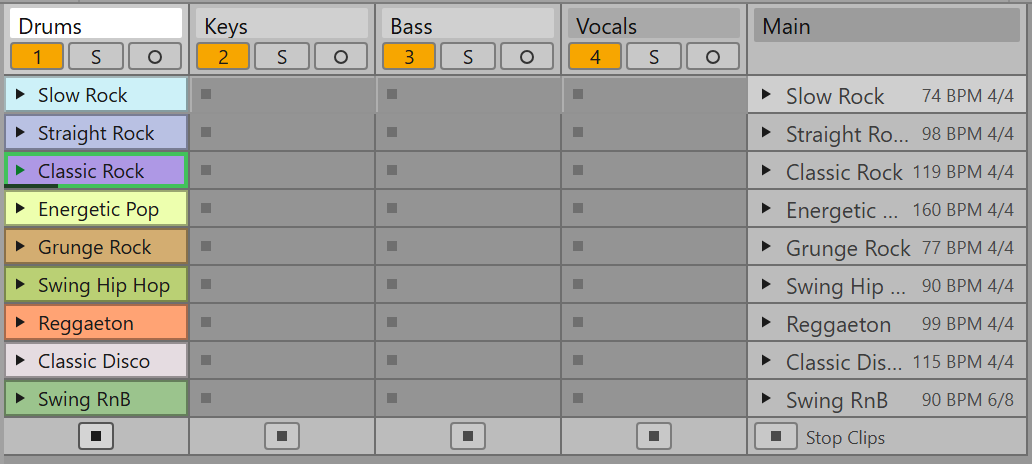
Clip-slot grid with scenes, launch and stop buttons, Stop All Clips, per-scene tempo and time-signature overrides, quantized launching (global or per clip), Trigger / Gate / Toggle modes, Legato and Back to Arrangement.
Beat ruler, overview, loop brace with punch in / out, locators, draggable, trimmable and splittable clips, fades, time selection (insert silence, delete / duplicate / cut / paste time), automation lanes with breakpoints and freehand drawing.
MIDI piano roll with draw mode, velocity lane, fold, scale highlighting, quantize, legato, reverse, invert, chance and velocity range. Audio clips with start / end / loop markers, warp (re-pitch), transpose, gain and fades.
EQ Eight, Compressor, Glue Compressor, Reverb, Delay, Auto Filter, Saturator, Drum Buss, Simpler, Sampler, Drum Rack, Operator, Analog, Wavetable, Drift, MIDI effects and Racks with macros. Every VST3 Live sees is rendered through a Python sidecar.
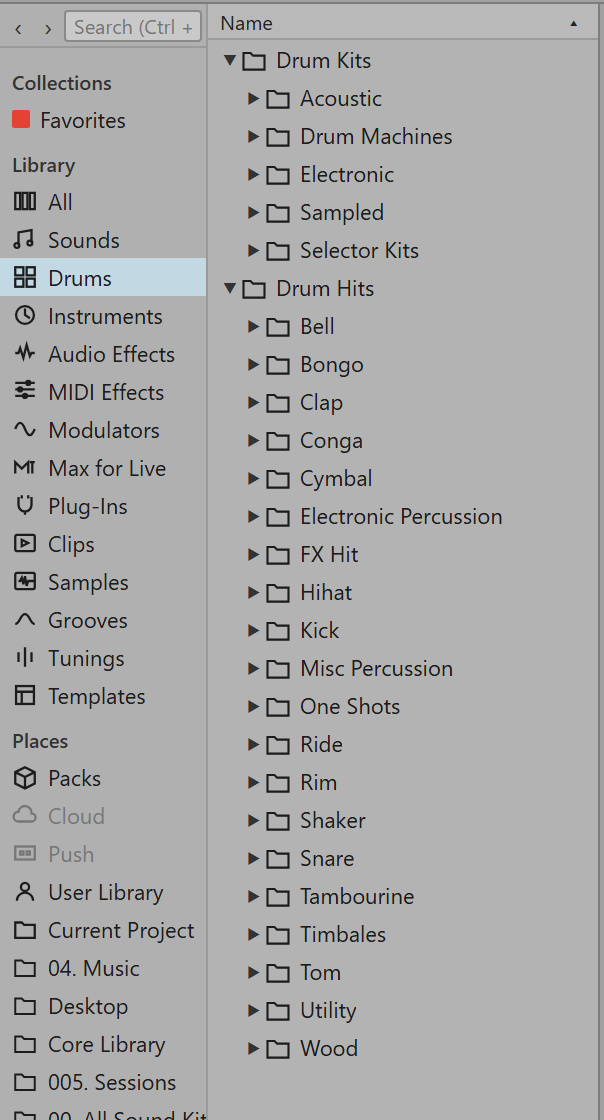
Browser with Collections, Library and Places, search, preview, favourites and drag and drop. Opens .als Live Sets made by Live 12 with tracks, arrangement and session clips, scenes, devices and mixer; loads .adv / .adg presets and racks; saves Ableton-style project folders.
An MCP server with 72 tools covers transport, tracks, clips, notes, devices and parameters, automation, scenes, the browser, VST3 and screenshots. Ask for “a 2-bar bass line in C minor, then launch scene 2” and watch it happen.
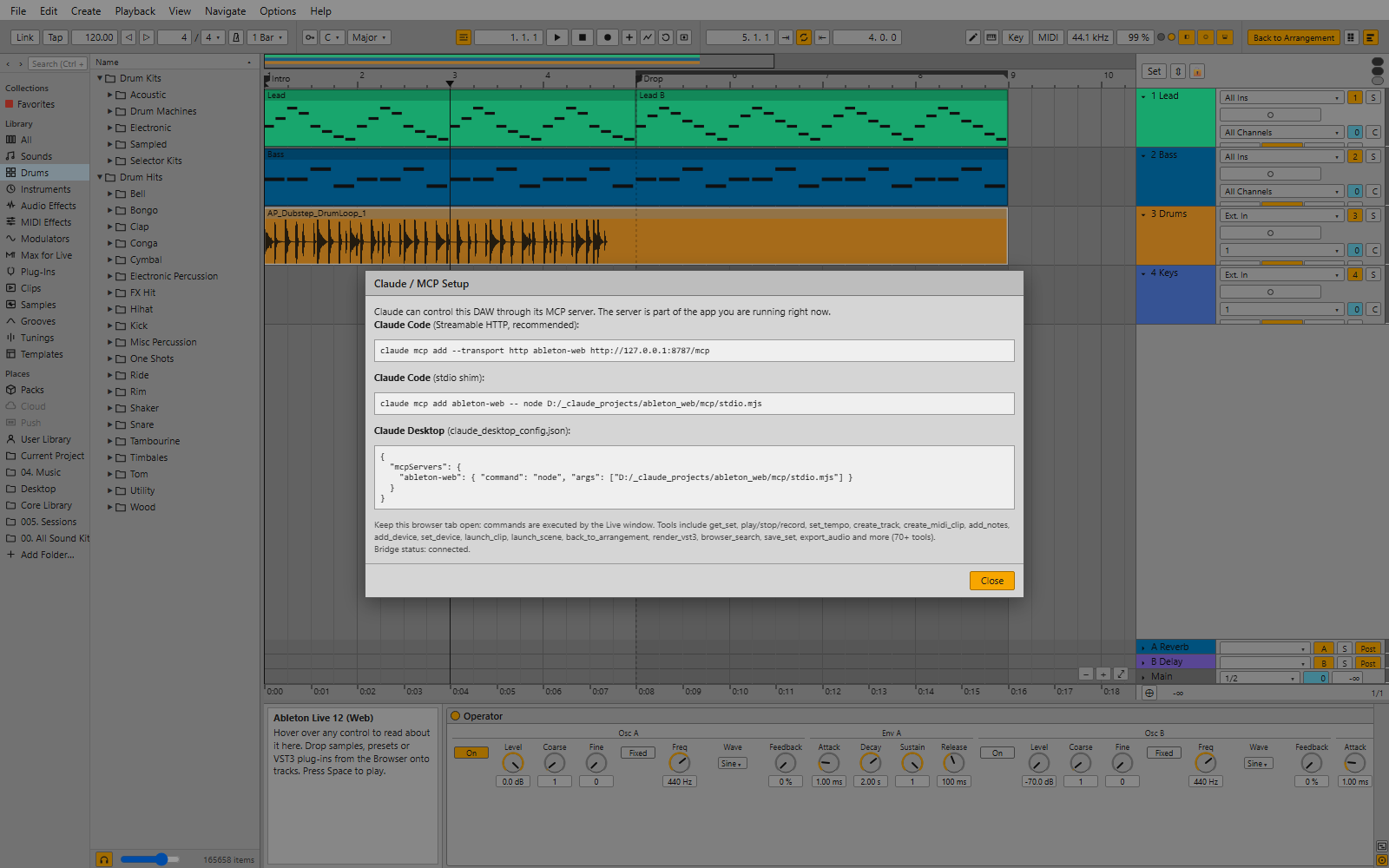
Live 12's light theme, its control bar, its browser and its detail views. Click a screenshot to open it full size.
Pure Node.js (ES modules) with no native modules. The browser does the audio; the server does files, the library scan, VST3 and MCP.
| Component | Supported | Notes |
|---|---|---|
| Server | Windows 10 / 11 ✓ tested · macOS · Linux | Live's library paths are auto-detected on Windows; on macOS / Linux set them in Options → Preferences. Native file / folder pickers exist on Windows only; type paths elsewhere. |
| Browser | Chrome / Edge ✓ tested · Firefox · Safari | Needs Web Audio, AudioWorklet and (optionally) Web MIDI. Chromium browsers give the best results; Safari has no Web MIDI. |
| Node.js | 20 or newer (24 tested) | fetch, ES modules and structuredClone are required. |
| Ableton Live | 12 (optional) | Only needed to auto-detect the Core Library, User Library and Packs. Without Live, install the free Live 12 Trial or use the Core Library download (see installation). |
| Python | 3.12 + pedalboard (optional) | Only for VST3 hosting. |
| ffmpeg | optional | Only for AIFF / MP3 / FLAC / OGG files the browser cannot decode itself. |
The full guide with every option lives in the README. This is the short version.
Node.js 20 or newer, Git (or the ZIP from GitHub) and a Chromium browser such as Chrome or Edge.
git clone https://github.com/gextam/ableton-web.git
cd ableton-web
npm install
The app plays Live's factory content (Core Library presets, samples and templates). It finds that content in one of these ways; pick the one that fits you.
Library.cfg and finds the Core Library, your User Library and your Packs folder on its own.
core_lib/ folder, so that core_lib/Devices, core_lib/Samples and core_lib/Templates exist. Picked up on the next start, no settings needed.
npm start
Open http://127.0.0.1:8787 in Chrome or Edge. The first start scans the library (a few seconds to a minute) and writes config.json next to the app. Browsers keep audio silent until you click: the yellow banner disappears on your first click or key press.
py -3.12 -m pip install pedalboard numpy (Windows) or python3.12 -m pip install pedalboard numpy. The app finds plug-ins in the standard VST3 folders; add more in Preferences.
PATH. On Windows winget install ffmpeg is enough.
The server exposes an MCP endpoint and a stdio shim. Keep the browser tab open: Claude's commands are executed by the Live window, so you watch every change happen.
# Claude Code (Streamable HTTP, recommended)
claude mcp add --transport http ableton-web http://127.0.0.1:8787/mcp
# Claude Code (stdio shim)
claude mcp add ableton-web -- node /path/to/ableton-web/mcp/stdio.mjs
// Claude Desktop — claude_desktop_config.json
{ "mcpServers": { "ableton-web": {
"command": "node", "args": ["/path/to/ableton-web/mcp/stdio.mjs"] } } }
Help → Claude / MCP Setup… inside the app shows these commands with your actual paths filled in. Beats are quarter notes, bar 1 starts at beat 0, and tracks, clips, devices and scenes accept ids, numbers or names.
What Live does that this does not do yet.
.als files written here contain an extra <AbletonWeb> element with the complete web model; the Ableton-compatible export omits it but has not been verified inside Live.